HR for small businesses

What is an HR system? A practical guide for small businesses

Bring employee records, documents, working time and absence together without adding more tools than you need.

5 min read

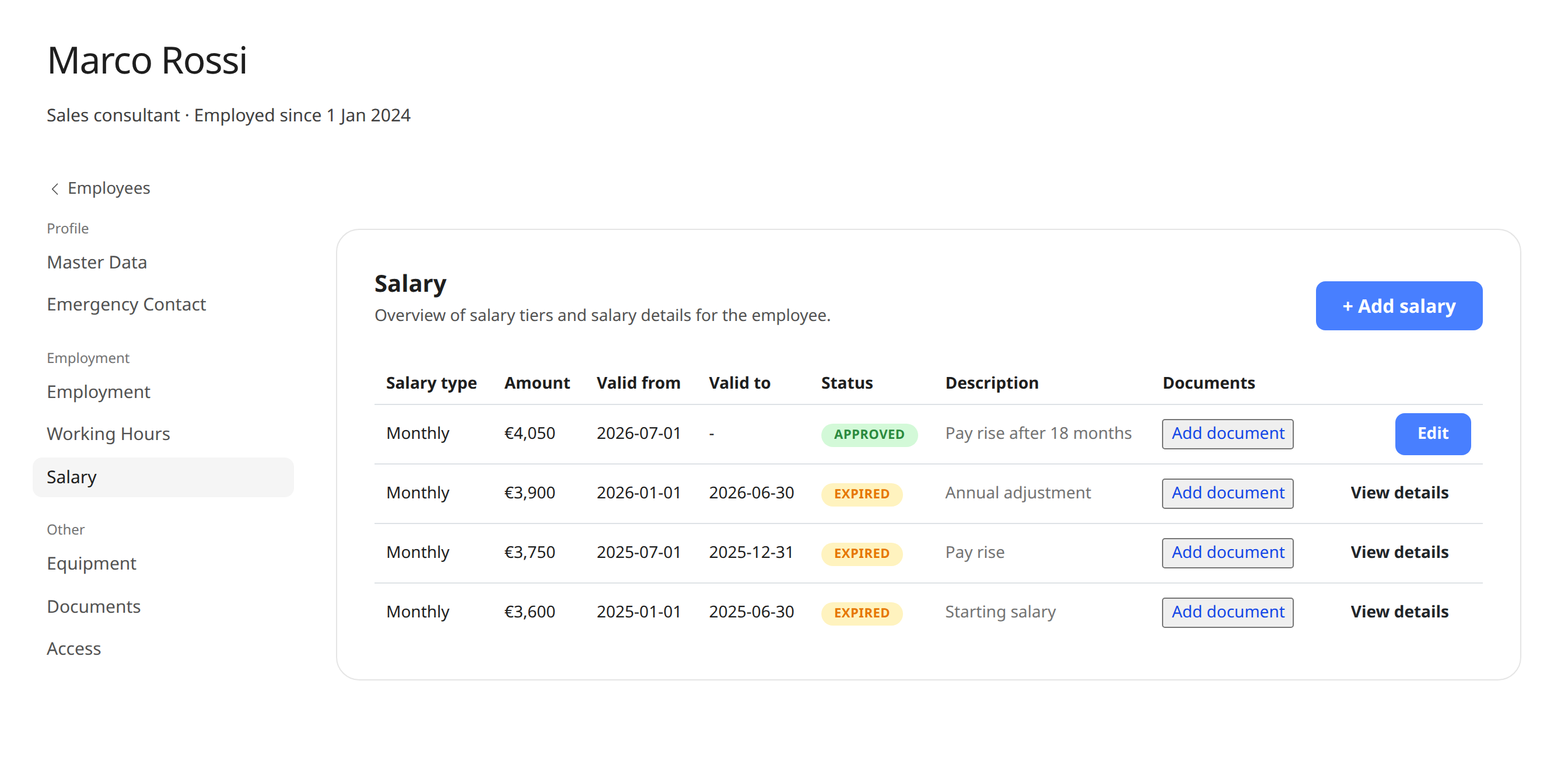
Employee profile with tabs for employment, salary, emergency contacts and equipment

An HR system brings together the records and routines involved in employing people. For a small business, that rarely means complex HR processes. It means finding the right contract quickly, seeing who is on leave, and knowing employee details are up to date.

What should a straightforward HR system do?

  • Keep employee and employment details together.
  • Make documents, equipment and emergency contacts easy to find from an employee profile.
  • Give the team a shared view of working time, vacation and absence.
  • Have clear access controls, so people only see information they need for their role.

Start with workflows, not feature lists

First list the tasks that currently live in spreadsheets, folders or inboxes: onboarding someone, changing working hours, planning vacation or returning equipment. Then choose a system that makes those workflows easier. A tool nobody keeps updated will not give you a clearer picture.

  • Decide which records should be the company’s single source of truth.
  • Agree who can create, change and retrieve employee information.
  • Move active records first and check them for accuracy as you go.
  • Make updates during role changes and offboarding part of the process.

Bring everyday people tasks together

Keep employee details, time tracking, vacation and key documents in one straightforward system.

Try for free

See Weekplace’s HR system for small businesses

Related guides

All articles